MMark · EmailRe: Re: Re: refund numbers (final)
PPriya · ChatWho owns the refunds above $500?No reply
SSara · Filesrefund-process_v7_FINAL (2).pptx3 versions
TTom · ChatCan someone update slide 4 before Monday?
MMark · FilesQ4 plan (copy) (2).xlsx
SCalendarLeadership meeting moved to 9:00 AM MondayMoved
Friday · 4:52 PM

The deck is due Monday.It lives in six places.

Everyone on the team is working hard. Nobody is working on the same thing.

There is a better way.

Scroll
SketchMind for teams

One board.Your whole team on it.

Write the brief once. SketchMind builds the board, the deck and the plan. Your team edits, comments and presents from the same place.

Creating a team is free. You only pay for seats when you invite people.
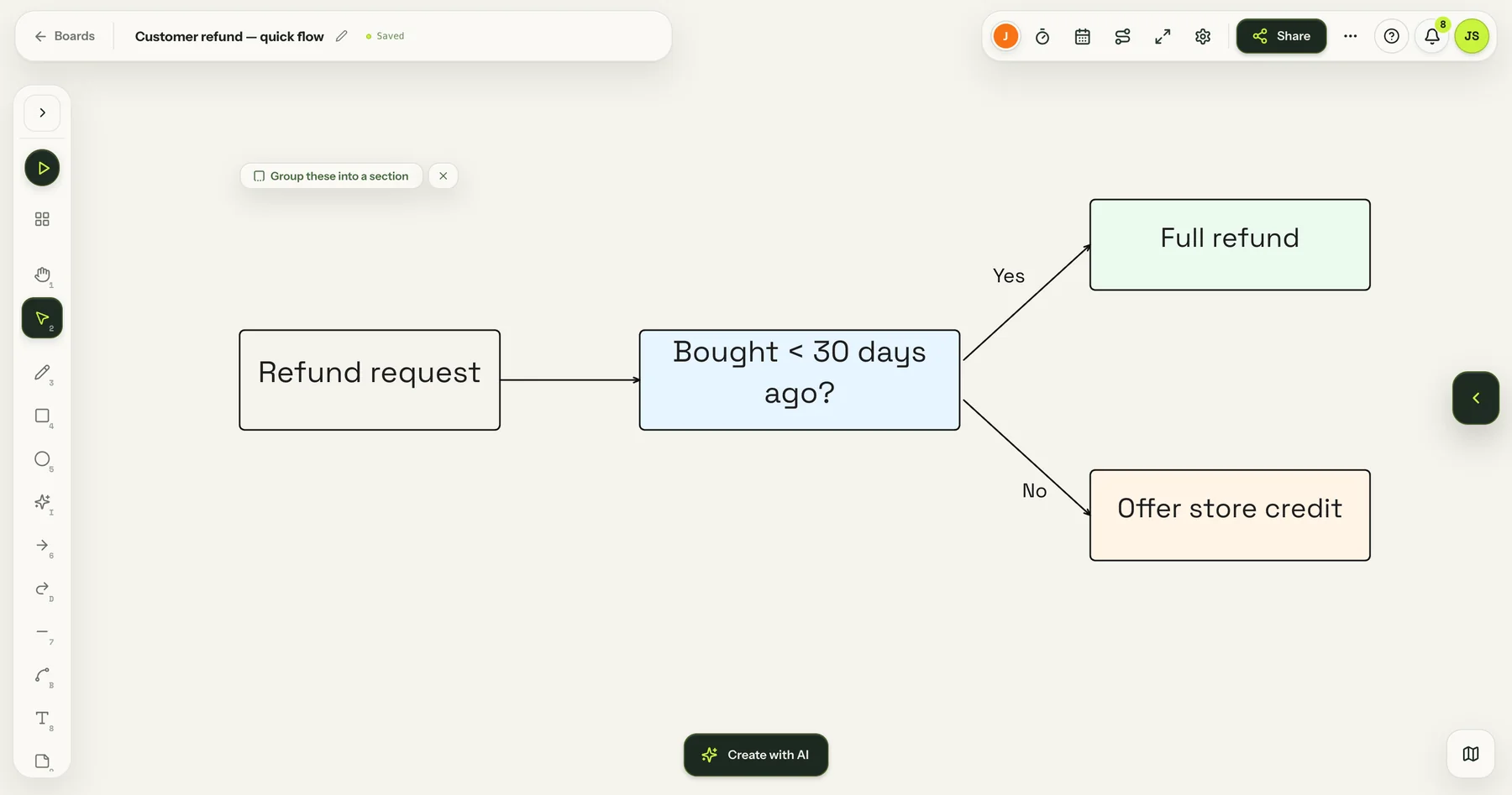
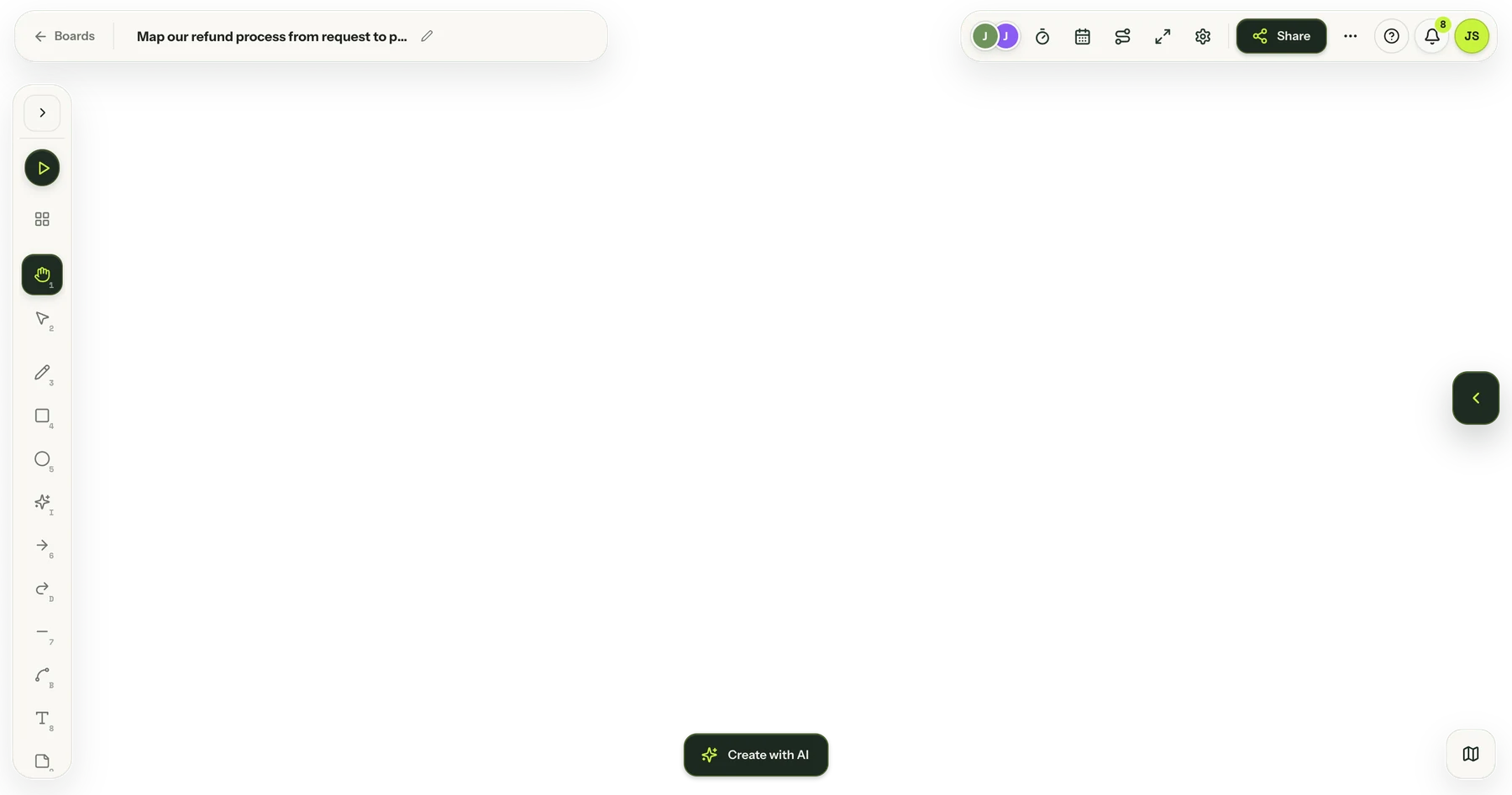
A SketchMind board with a refund process: refund request, bought less than 30 days ago, full refund or store credit
SSara · Team leadMMark · FinancePPriya · SupportTTom · Operations
One team, one week

Everyone works in the same place.

No copying between a whiteboard, slides, documents and a task list. This is one normal week for a team of four.

TTom · Operations

Tom types one sentence. SketchMind builds the whole flow.

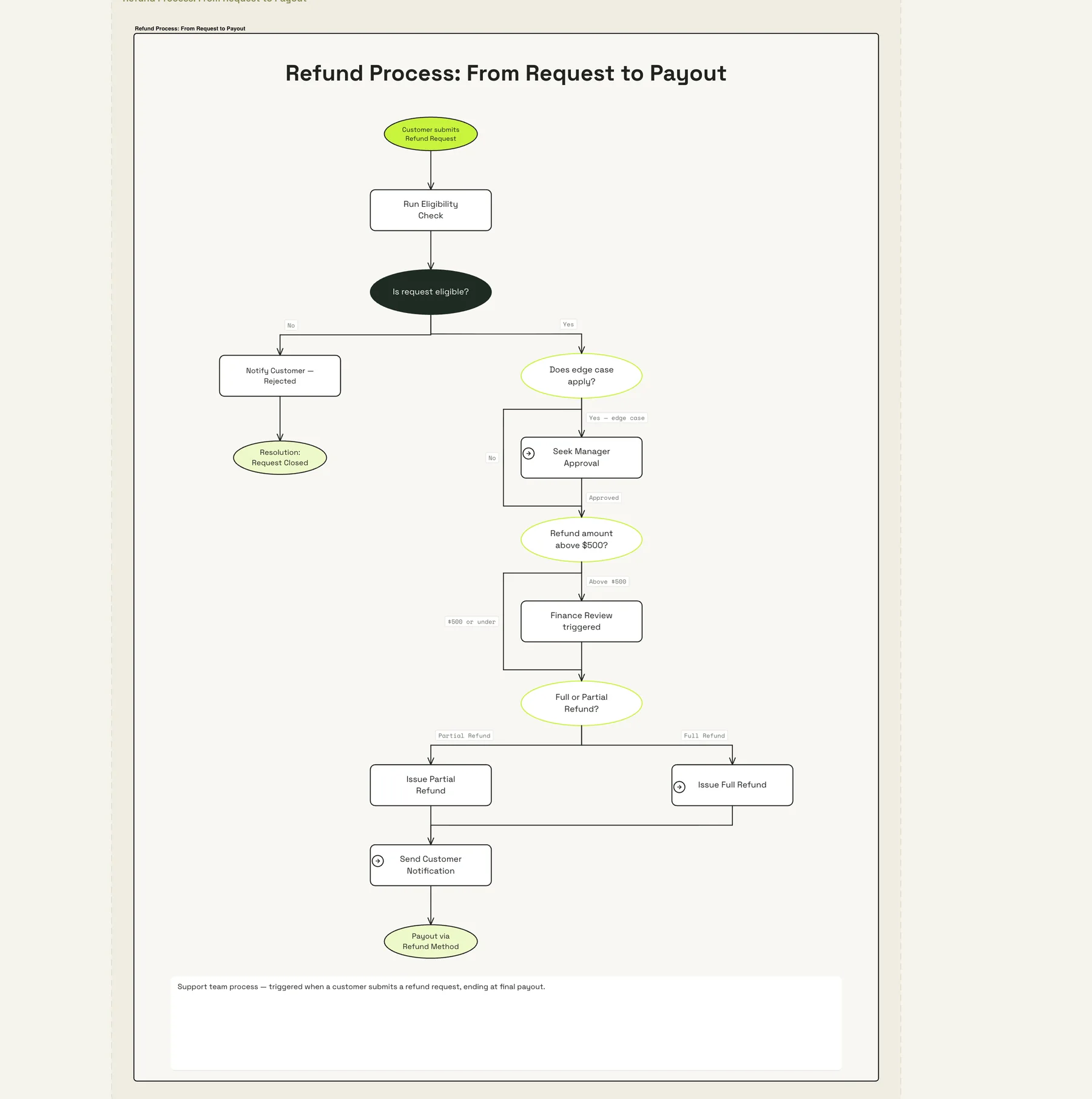
The refund process, from request to payout, with every decision point.

MMark · Finance

Mark checks it and comments on the board.

No email thread. The question sits next to the step it is about.

PPriya · Support

Priya presents to leadership.

A finished deck with charts, made in the same workspace.

SSara · Team lead

Sara turns it into a plan.

Steps with owners, dates and risks. The next step is always on top.

TMPThe whole team

Everyone sees their own tasks.

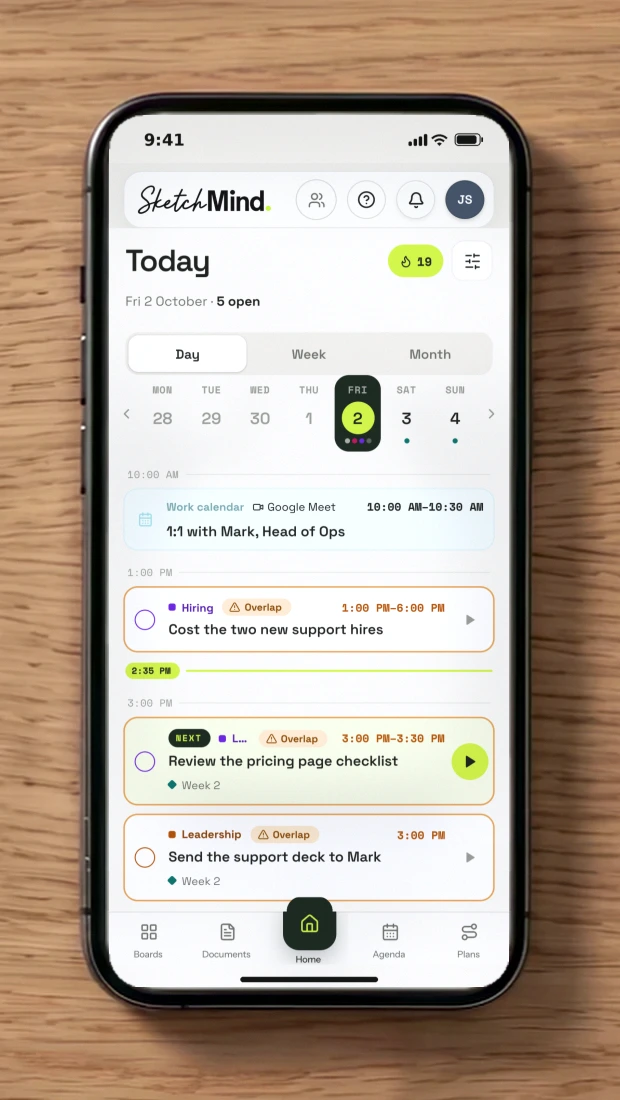
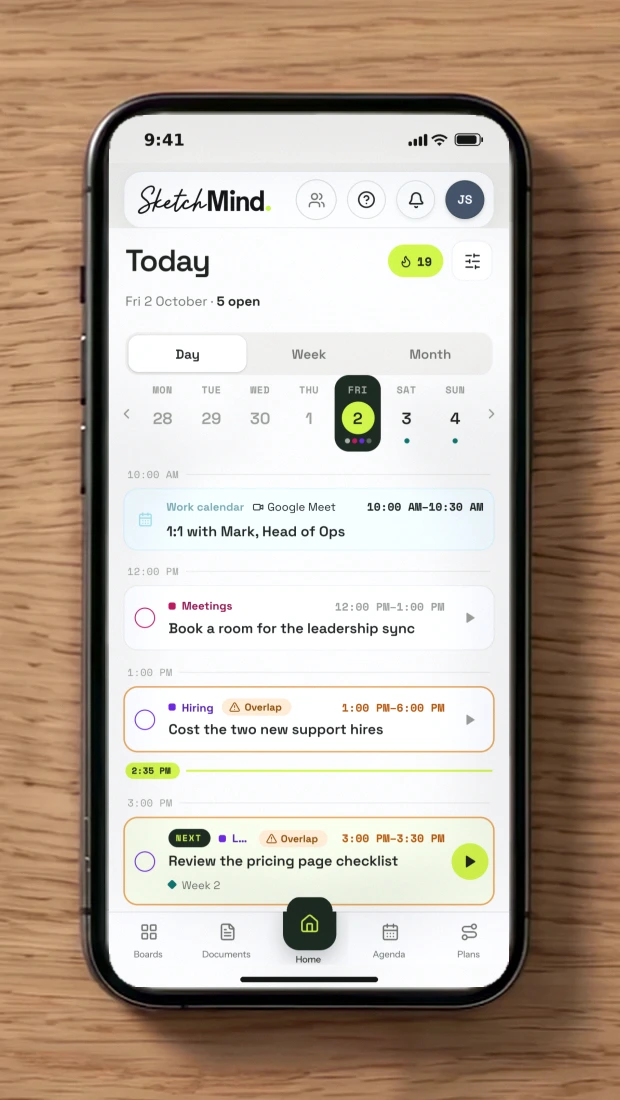
Every step lands in each person's agenda. Connect your calendar: join the call and tick off tasks from one screen.

Google CalendarApple CalendarOutlook
TMonday · Tom, Operations

Tom types one sentence. SketchMind builds the whole flow.
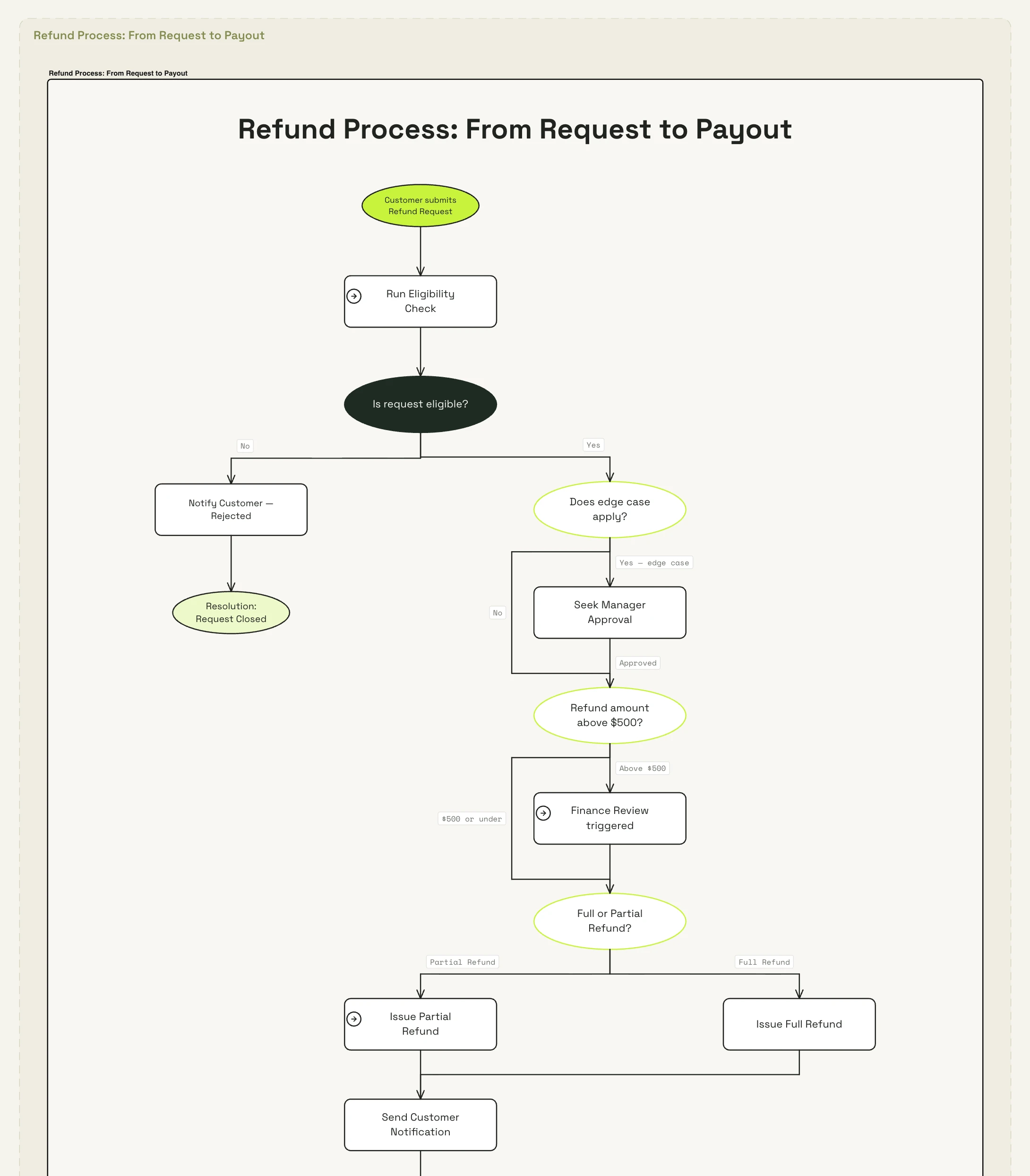
A flow made by SketchMind: refund process from request to payout
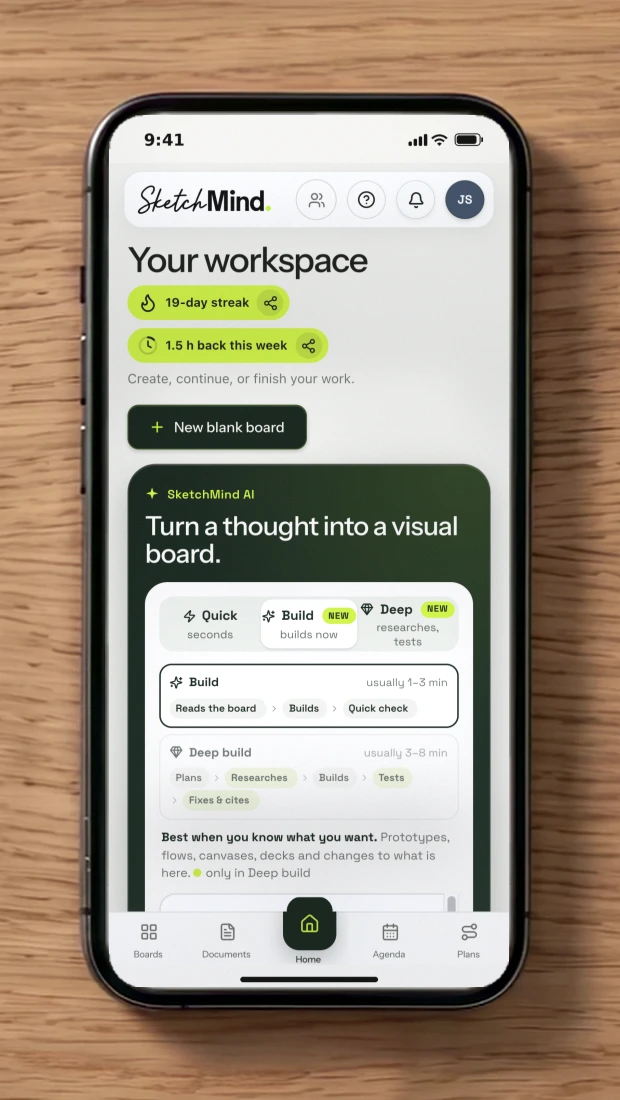
AI
QuickSeconds · a new ready-made frame
Build NEWBuilds anything you describe · fast
Deep build NEWResearches, reasons, verifies · thorough
Frameson your board
Presentationdesigned slides
Flowone frame
Checklistone frame
Continue a section instead
One editable flow frame · ~20 s
0 / 3000
Attach PDFUse this board’s contentExamples
Create flow⌘↵

Planning something with dates and owners? Open Plans →

MTuesday · Mark, Finance

Mark checks it and comments on the board.
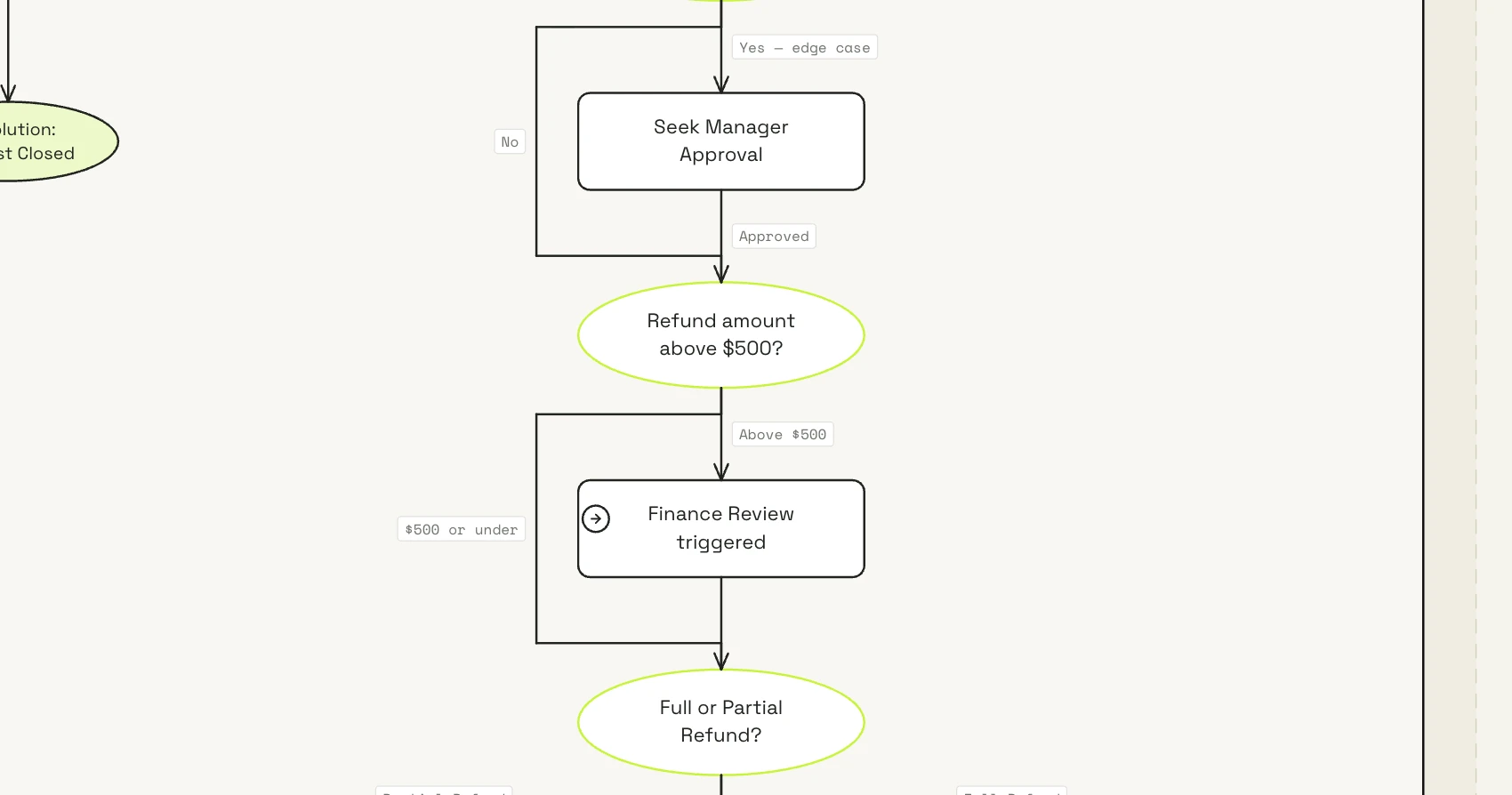
The same flow, zoomed in on the step for refunds above $500, with comments from the team
Mark
M1
On Refund above $500Resolve
M
Mark 9:12 AM
Above $500 comes to me. I'll own this step.
T
Tom 9:20 AM
Done. @Mark you're the owner now.
Reply… (@ to mention)
PWednesday · Priya, Support

Priya presents to leadership.

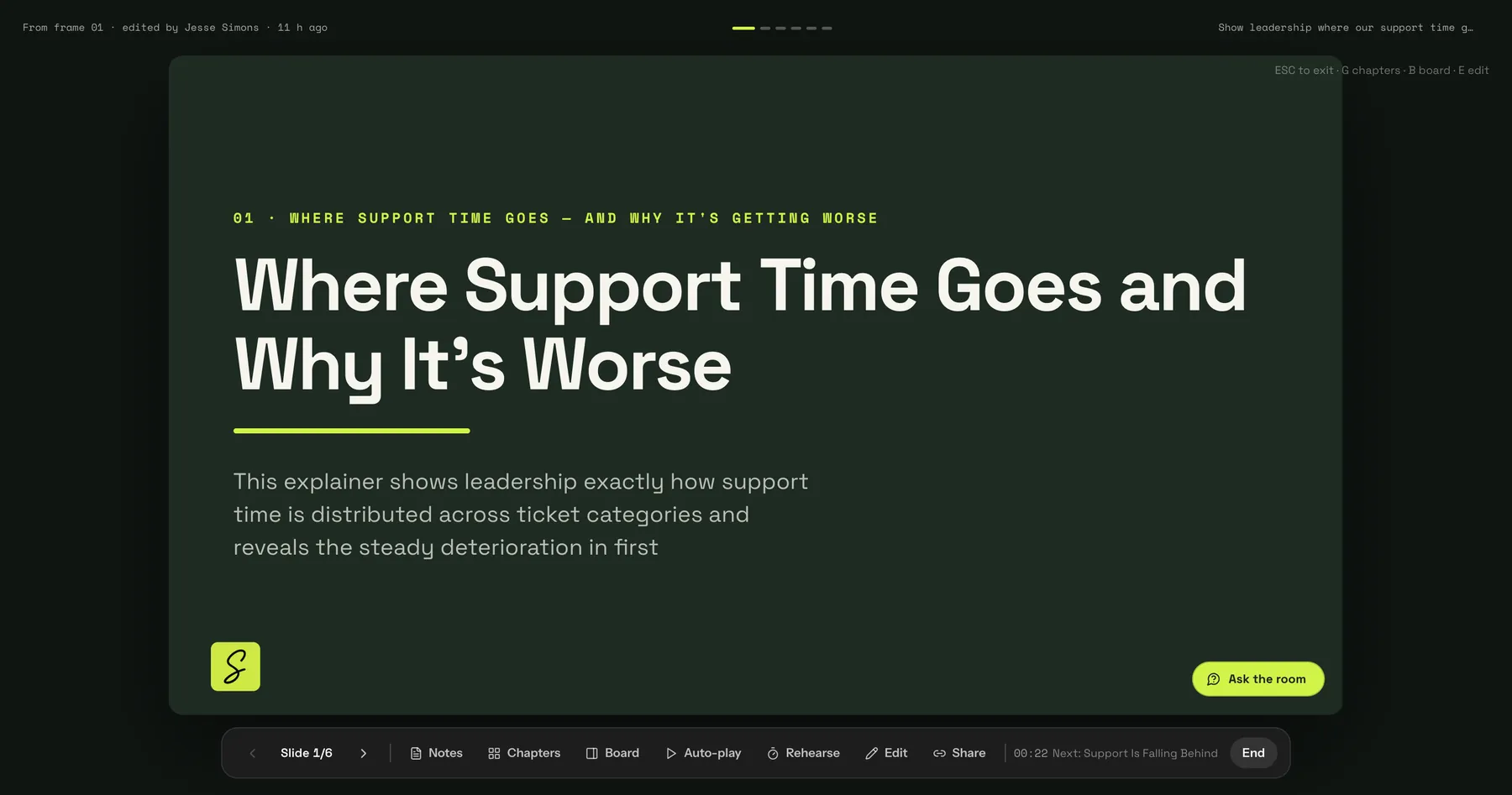
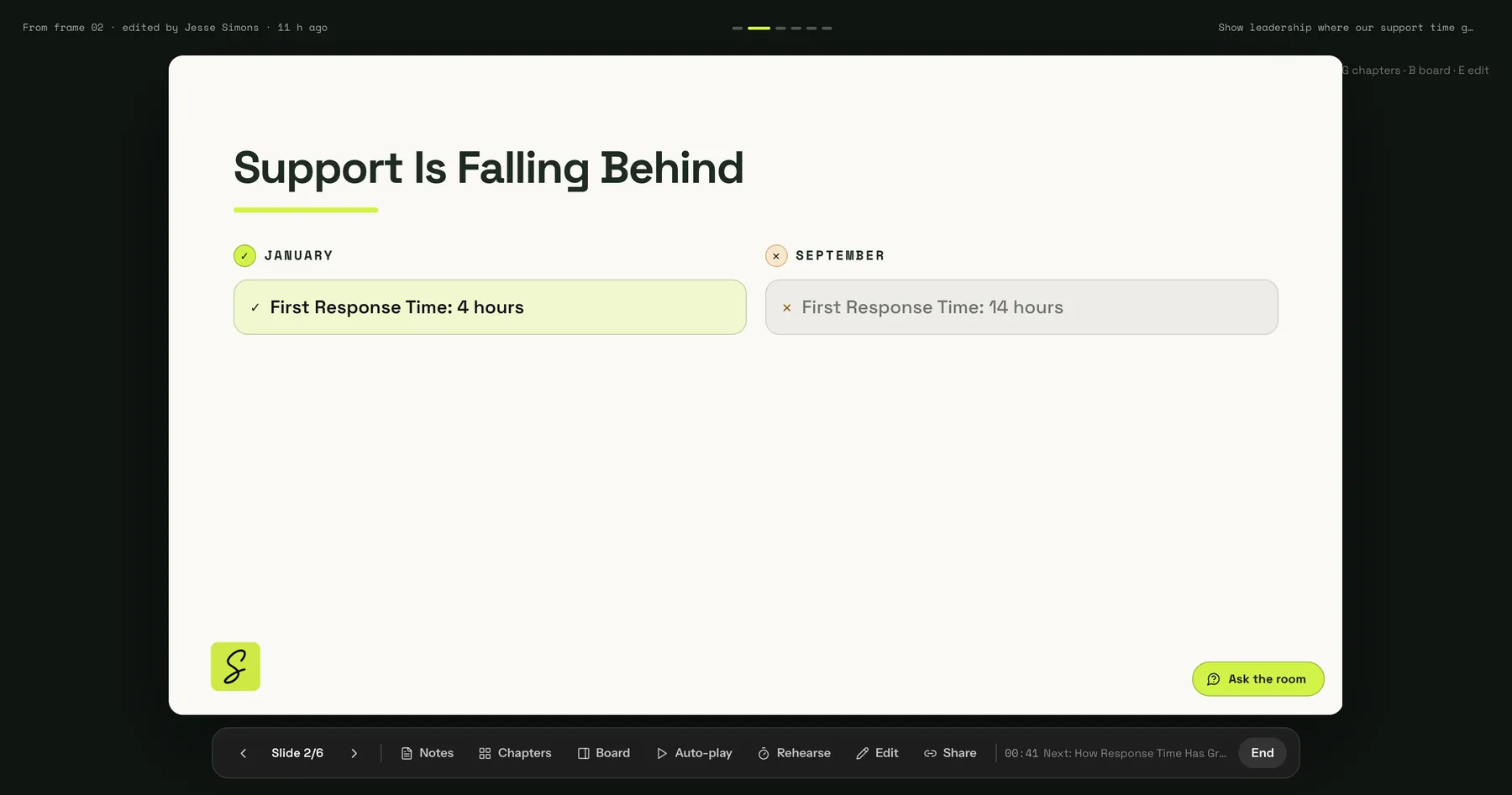
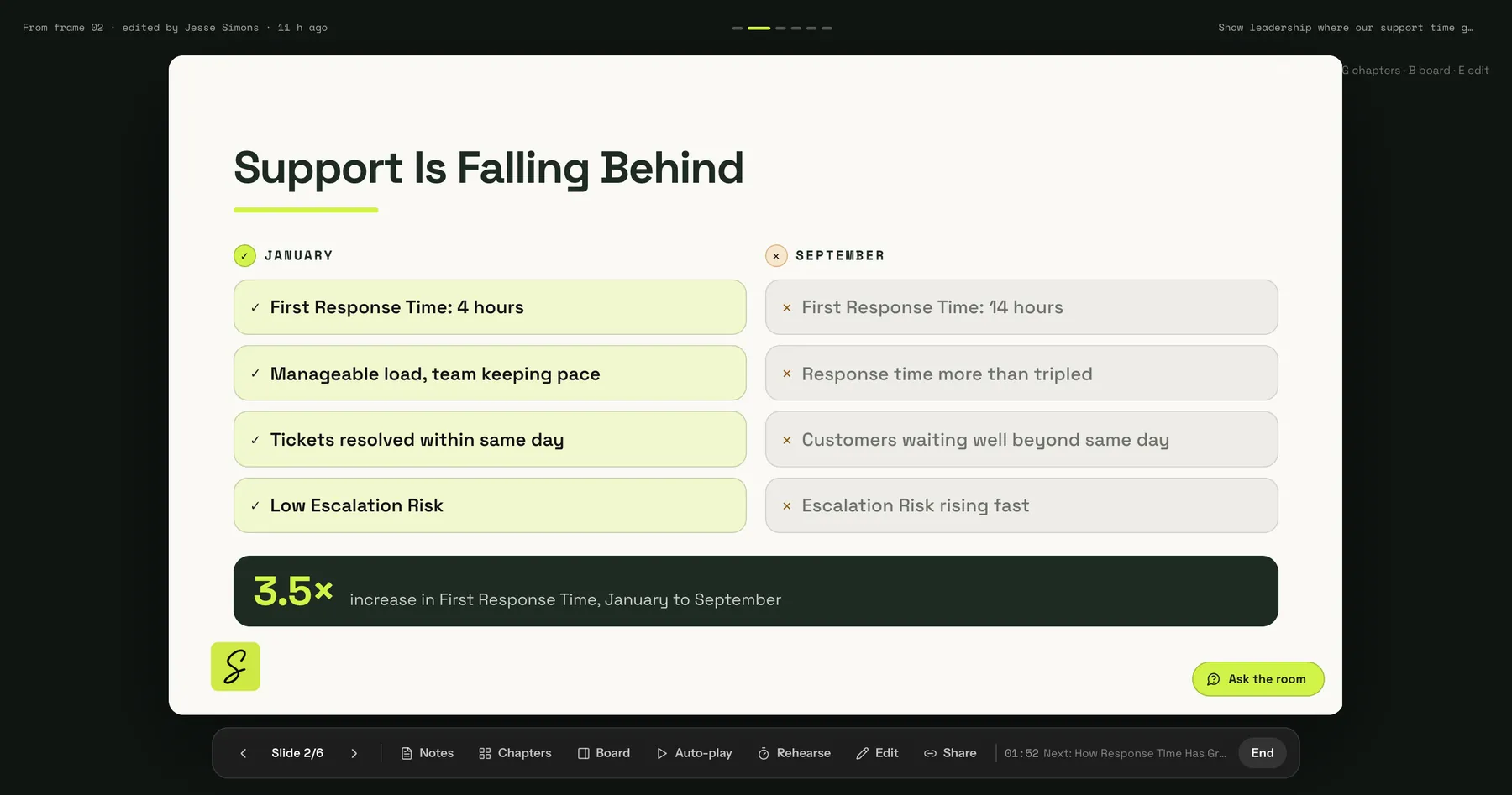
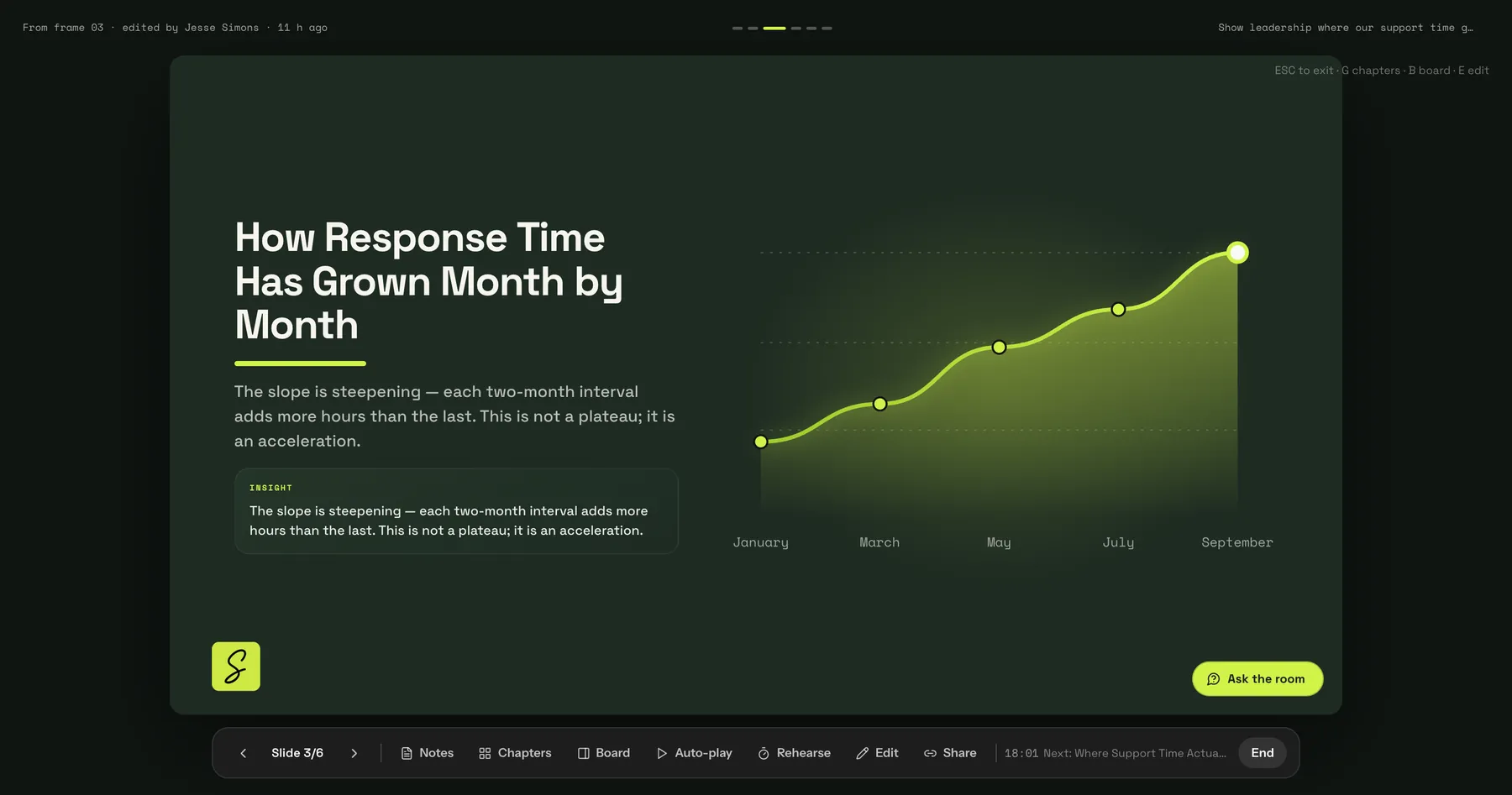
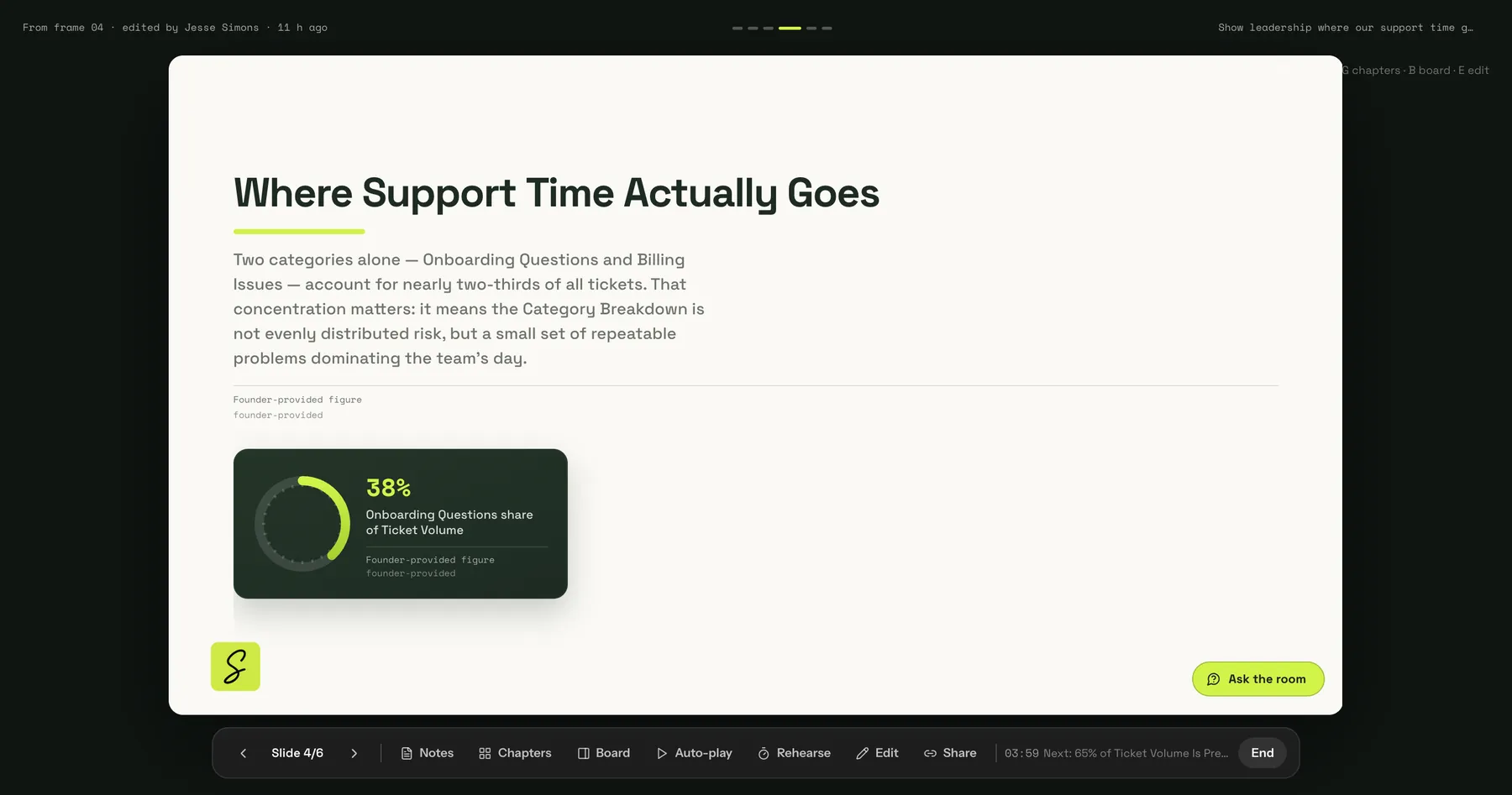
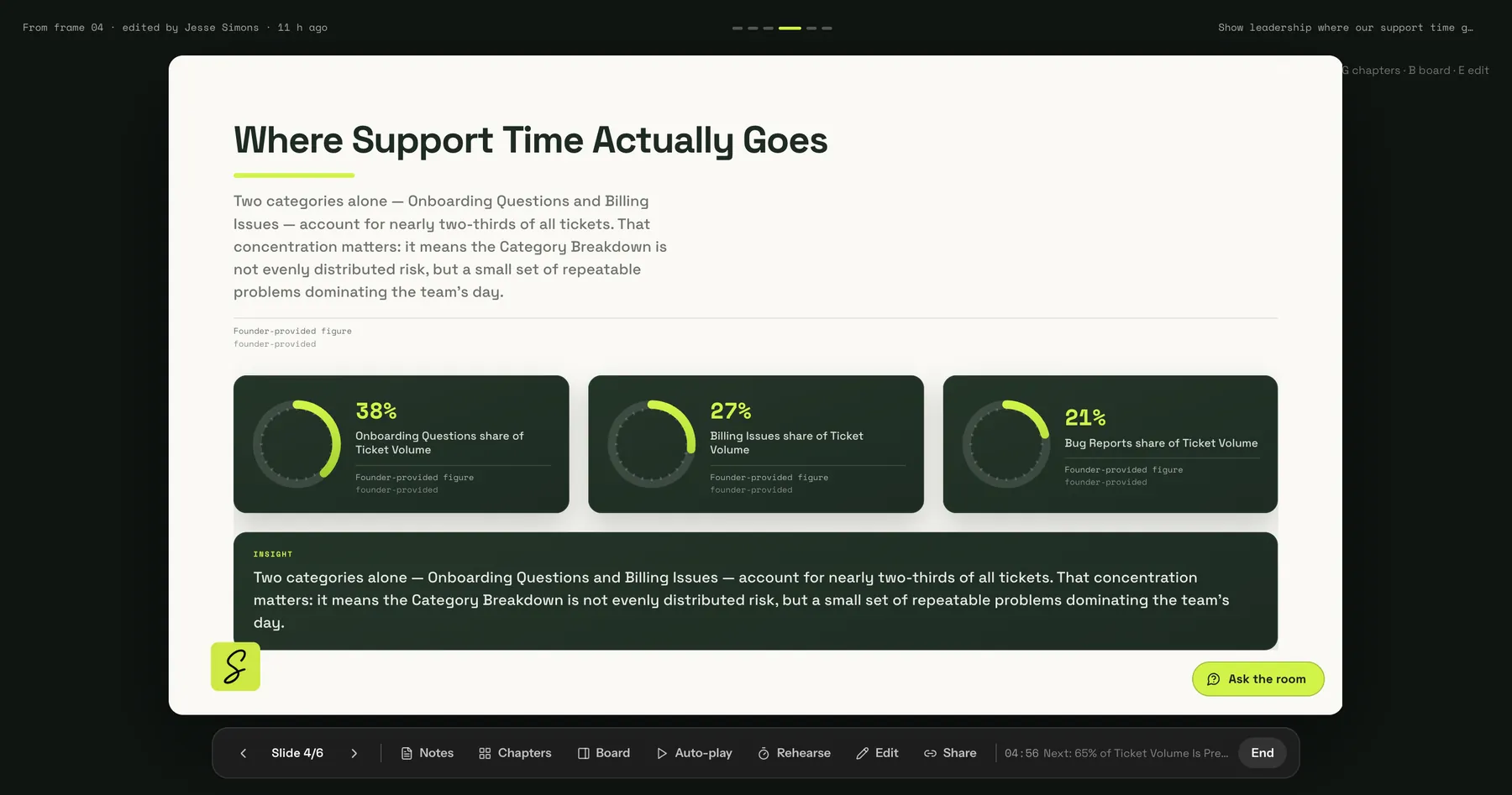
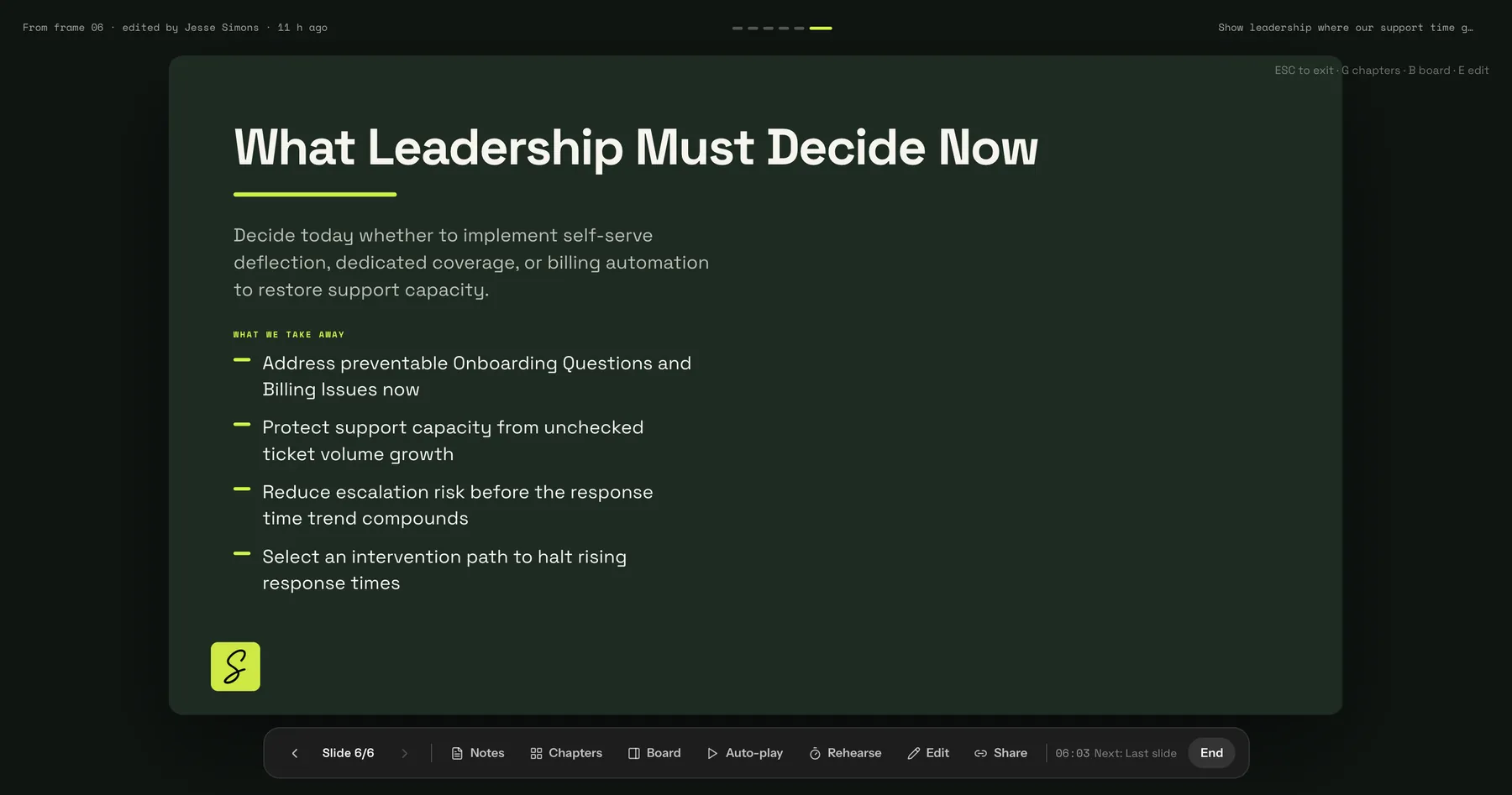
A SketchMind presentation with charts about support time
SThursday · Sara, Team lead

Sara turns it into a plan.

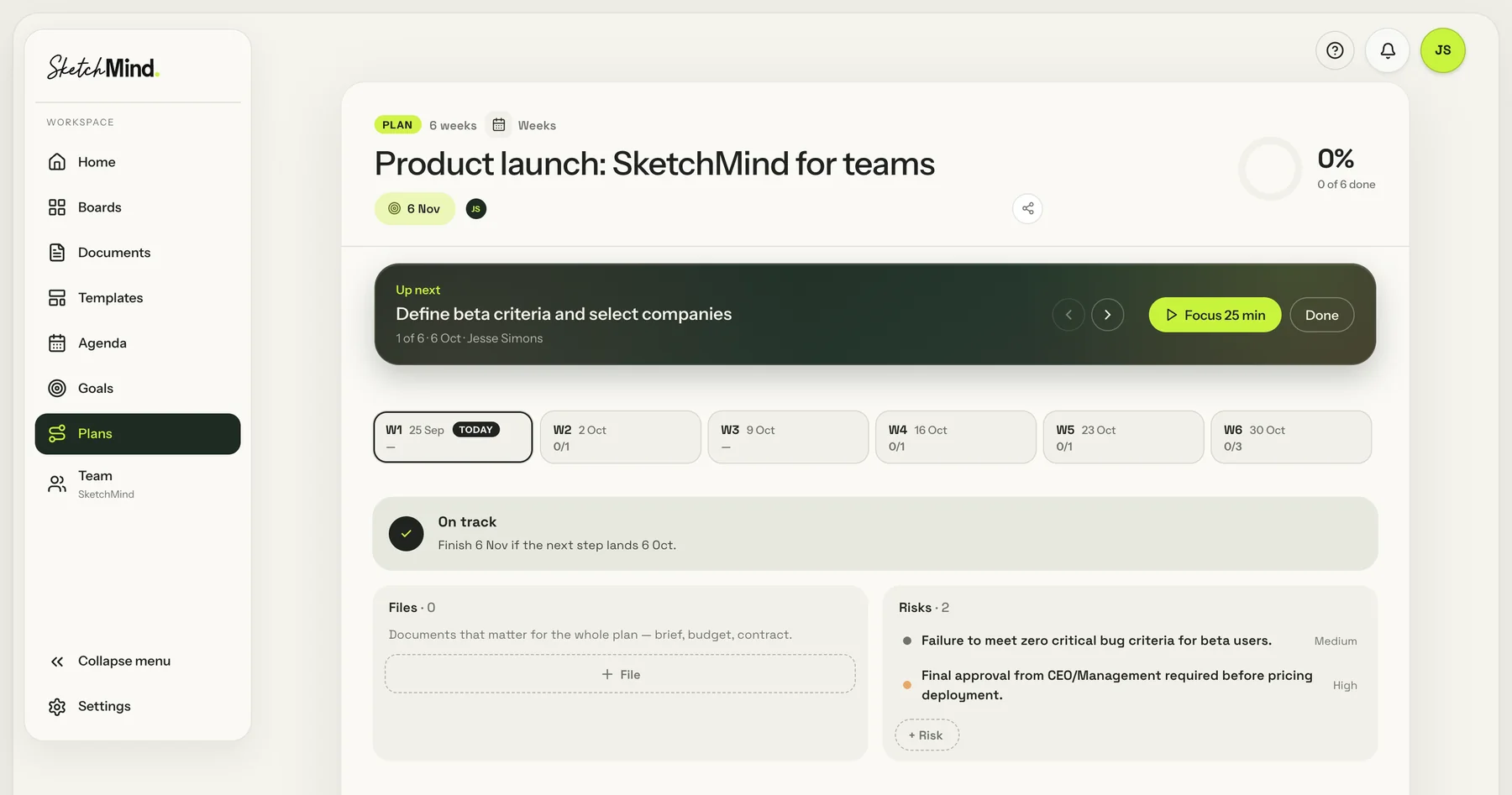
A SketchMind plan with the next step, weekly checkpoints and risks
Next step, with a 25-minute Focus
A checkpoint every week
TMPFriday · The whole team

Everyone sees their own tasks.

Synced from OutlookMMark
The SketchMind agenda on a phone, with a Google Calendar meeting next to the tasksJoinSynced from Google CalendarTTom
PPriya
NewAsk AI · Build & Deep build

Next up: the pricing launch. Nobody writes the plan.
The team builds it.

PPriya · Build

Don’t write the launch plan. Build it.

The pricing page goes live Tuesday, Nov 3. Four channels, four owners, and nothing goes live before Sara has reviewed it. One message.

PPriya · 3 quick questions

It asks before it builds.

How many posts? Calendar or board? Fields for copy and assets? Priya taps three answers. Anything she leaves open, Build decides.

PMSTThe team watches

Minutes later, the plan works.

18 posts on a calendar, a board you drag by status, what’s at risk, and the approval flow. The team joins while it builds.

MMark tries to skip a step

Nothing goes live without Sara.

Mark drags a post to Approved. It bounces back. Sara ticks “Reviewed by Sara”, and now it moves.

SSara · Deep build

“When should each post go out?”

Deep build researches the best day and time per channel, cites its sources, flags 6 posts in a weak slot, then tests every rule.

PMSTBefore launch

One plan the whole team trusts.

25 of 25 rule tests pass. Tom moves an off-slot post to the recommended time with one click.

← BoardsPricing launch · Marketing teamRecreated from a real Build PMSTShare
Pricing page launch: campaign planner

Q4 Pricing Launch Planner

Try it: drag a post to Approved. It won’t move until Sara has ticked “Reviewed by Sara”. Change “Planning as of” to see what slips before launch.

Campaign plannerLive
Pricing page launch planner

Live Tuesday, Nov 3 · LinkedIn, newsletter, blog, Instagram · nothing goes live before Sara has reviewed it

Planning as ofOct 22, 2026Today+ Add post
12 daysto launch, Tue, Nov 3
18posts, Oct 27 to Nov 10
17%approved or scheduled (3 of 18)
5at risk of missing launch
6outside a good publish slot
15still need Sara’s review
CalendarBoardAt risk 5Best slots & sourcesChannel All channels ⌄Owner All owners ⌄
Week 1 · Oct 26 to Nov 1
Week 2 · Nov 2 to Nov 8
Mon Nov 2
4 PMTomorrow: the new pricing pageDraft · Mark Off-slot
Tue Nov 3Launch
8 AMIt is live: the new pricing pageApproved · Sara Sara ✓ Off-slot
9 AMAnnouncing our new pricingIn review · Priya
10 AMLaunch day email: meet the new plansDraft · Mark
1 PMLaunch story + feed postDraft · Tom
Wed Nov 4
Thu Nov 5
2 PMPlan comparison explainedDraft · Priya
6 PMWhich plan fits you? quiz carouselDraft · Tom Off-slot
Fri Nov 6
10 AMHow to choose the right planDraft · Mark Off-slot
Sat Nov 7
Sun Nov 8
LinkedInNewsletterBlogInstagramRed outline = overdue · amber = at risk
Draft 12
NewsletterHeads-up: new pricing next weekMMarkDue Oct 21 · Live Oct 29Overdue
LinkedInFounder story: why we rebuilt pricingSSaraDue Oct 27 · Live Oct 30At risk
InstagramReel: 30-second tour of the pageTTomDue Oct 28 · Live Oct 31At risk
NewsletterTomorrow: the new pricing pageMMarkDue Oct 30 · Live Nov 2
+ 8 more
In review 3
BlogPricing FAQ: every question answeredPPriyaDue Oct 19 · Live Oct 30Overdue
BlogAnnouncing our new pricingPPriyaDue Oct 29 · Live Nov 3
InstagramTeaser carousel: 3 plans, 1 pageTTomDue Oct 23 · Live Oct 28At riskReviewed by Sara
Approved 2
LinkedInTeaser: pricing is getting simplerPPriyaDue Oct 22 · Live Oct 27Sara ✓
LinkedInIt is live: the new pricing pageSSaraDue Oct 30 · Live Nov 3Sara ✓
Scheduled 1
BlogTeaser: something is changing in pricingMMarkDue Oct 20 · Live Oct 27Sara ✓
Can’t approve yet. Sara hasn’t reviewed this post. Tick “Reviewed by Sara” first.
Good publish windows by channel your audience’s local time
MonTueWedThuFriSatSunDefault pickLinkedIn1–2 PM11 AM–5 PM11 AM–4 PM11 AM–12 PM
1–5 PM
11 AM–12 PM
1–2 PM
AvoidAvoidTue–Thu, 11 AMNewsletterAvoid9–11 AM9–11 AM9–11 AMAvoidAvoidAvoidTue–Wed, 9 AMBlogAvoid8 AM–12 PM8 AM–12 PM8 AM–12 PMAvoidAvoidAvoidTue–Wed, 10 AMInstagram2–4 PM1–7 PM12–9 PM12–2 PMAvoidAvoidAvoidWed 12 PM or Tue 1 PM

Sources: Sprout Social: best times to post on LinkedIn (2026) · Sprout Social: best times to post on Instagram (2026) · Omnisend: best time to send an email · Salesforce: best time to send marketing emails (B2B) · NP Digital: best time to publish blog posts

Recommended slot 6 posts outside a good slot · 12 already fine
PostChannelScheduledRecommended
Pricing FAQ: every question answeredBlogFri, Oct 30, 10 AMThu, Oct 29, 10 AMUse itGood slot
Reel: 30-second tour of the pageInstagramSat, Oct 31, 10 AMThu, Oct 29, 12 PMUse itGood slot
Tomorrow: the new pricing pageNewsletterMon, Nov 2, 4 PMTue, Nov 3, 9 AMUse itGood slot
It is live: the new pricing pageLinkedInTue, Nov 3, 8 AMTue, Nov 3, 11 AMUse itGood slot
Which plan fits you? quiz carouselInstagramThu, Nov 5, 6 PMThu, Nov 5, 12 PMUse itGood slot
How to choose the right planBlogFri, Nov 6, 10 AMThu, Nov 5, 10 AMUse itGood slot
Rule tests: 25 of 25 pass

Runs on every render, against the real rule code.

PASSCalendar check: Nov 3, 2026 is a Tuesday
PASSDraft due 2 days ago → red (overdue)
PASSDraft due in 3 days → at risk
PASSIn review, live in 5 days, Sara not signed → flagged
PASSNo asset link, due in 5 days → missing
PASSLinkedIn Tue 8 AM → off-slot
PASSInstagram Sat Oct 31 → suggests Thu Oct 29, 12 PM
PASSSuggestion never moves before the due date
PASSApprove without Sara is blocked
+ 16 more, all passing
The agent is building this prototype…
How a post gets approved

How a post gets approved

Owner writes Draft
Copy, CTA, asset link added?
Fill in missing fields
Move to In review
Sara reviews post
Owner revises, back to Draft
Approved, Sara signed off
Scheduled on channel
Goes live on publish date

Every launch post, any channel or owner, passes Sara’s review before it can be approved, scheduled or published.

Ask AI or create something…
P
Priyajust nowSpreadsheet retired. The launch plan lives here now.
Ask AIResearches, designs, draws and builds on this board
QuicksecondsBuild NEWbuilds nowDeep NEWresearches, tests
Plans›Researches›Builds›Tests›Fixes & cites
usually 3–8 min
Build a working campaign planner for our Q4 launch of the new pricing page, going live Tuesday, Nov 3. Channels: LinkedIn, newsletter, blog and Instagram…Show all ⌄
Before I build — 3 quick questionsTap an answer or type your own. Anything you leave open, Build decides itself.

1. How many posts in total across the 4 channels, and what is the launch window?

About 10, launch week only15–20 posts, Oct 27 to Nov 10

2. For the week-by-week calendar: one row per post, grouped by channel or owner, or both in tabs?

One row per postGroup by channelTabs: Calendar + Board

3. Do you have post copy already, or should the planner include fields for it?

We have briefs alreadyAdd fields for copy, CTA, asset links
Start build ↑Skip questions
Posts → 15–20, Oct 27 to Nov 10
Views → Tabs: Calendar + Board
Fields → Copy, CTA, asset links
New canvas: Q4 Pricing Launch Planner (1480×1000)
Building a live prototype: Campaign planner
Writing more of the prototype
Finishing the prototype
Looking closely at planner
Planning “Post approval flow” — 1 frame(s)
Building a flow: How a post gets approved
Built on your board

18 sample posts from Oct 27 to Nov 10, with a Calendar, a Board you drag cards across by status, and an At risk tab. A post can’t move to Approved or Scheduled until “Reviewed by Sara” is ticked.

Research the best day and time to post on LinkedIn, Instagram and a B2B newsletter, with sources, and give every post a recommended slot. Flag posts outside a good slot. Then test the at-risk rules yourself before you finish.
My plan: research the best days and times per channel, give every post a recommended slot and flag the ones outside it. Before finishing, I’ll test every rule against worked examples.
Searching the web: best times to post on LinkedIn 2026
Searching the web: best times to post on Instagram 2026
Searching the web: best day to send a B2B newsletter
Searching the web: best time to publish a blog post
Building a live prototype: Campaign planner
Looking closely at planner
Refining 1 element(s)
Built on your board

Every post now has a recommended publish slot for its channel. 6 of the 18 are flagged as outside a good slot. A new “Best slots & sources” tab shows the windows, the sources and 25 rule tests.

Working…
The agent is building…
AI
QuickSeconds · a new ready-made frame
Build NEWBuilds anything you describe · fast
Deep build NEWResearches, reasons, verifies · thorough
Frameson your boardPresentationdesigned slidesFlowone frameChecklistone frame
Builds what you describe, fast: illustrated canvases, flows, multi-screen prototypes, working tools, decks, or changes to what’s already here. Ready in a few minutes.
Ask, change or build anything on this board…Build
Enter to build · Shift + Enter for a new line
Priya
Mark
Sara
Tom
Time by hand

Where does your team's week go?

Decks, plans, documents and checklists, made by hand. Move the sliders and see what that costs your team every week. We use the same estimates as the "time saved" counter in the app.

Every week, by hand
0hours
That is about 0 hours a month your team could spend on the work itself.
Presentations0 h
Plans0 h
Documents0 h
Checklists0 h

By hand: a 6-slide presentation 68 min, a 10-step plan 50 min, a 5-page document 30 min, a 20-item checklist 25 min. SketchMind makes these for you. Each person sees their real time back in their workspace, every week.

Give your team that time back
Build your team

Add your people. See the price.

Editors need a seat. Viewers are free and unlimited. Click a role to switch it.

N
Northwind StudioTeam

The smallest team plan is 3 seats. From 10 seats, every seat gets the lower price.

MonthlyYearly~2 months free
Seats (editors)3
Viewers0 · free
Price per seat$39 / month
$0/ month

25 editors or more? We set up Enterprise with you. Talk to us.

Every seat includes everything in Pro Creator. Add or remove seats any time.

Start this team
What teams make with it

One sentence in. Something you can send out.
The brief

A slide from a SketchMind presentation: how response time has grown month by month A SketchMind plan with the next step, weekly checkpoints and risks A process flow made by SketchMind: refund process from request to payout
Built for working together

Everything a team needs. Nothing new to learn.

Comments and live editing

Comment on any step, @mention a colleague and see who is on the board with you.

M
Mark · FinanceAbove $500 comes to me. I'll own this step.
T
Tom · OperationsDone. @Mark you're the owner now.
SMPT4 people on this board
One team brand kit

Your colours and fonts on every designed deck, whoever makes it.

Aa
Roles and admin

Invite people and change seats yourself.

SaraOwner
MarkAdmin
PriyaMember
LenaViewer · free
Team plans

Steps with owners, dated checkpoints and risks. Move a deadline and SketchMind replans.

The next step of a plan with a Focus button
Shared team folders

One place for client work, processes and plans.

Private by default

Boards stay private until you share them. We don't train our own models on your work.

Nothing lost when people leave

Their work is handed over when they are removed. Nothing disappears with an account.

One bill, per seat

Add or remove seats any time. Your last twelve invoices are one click away.

Team pricing

Pay per seat. Viewers are free.

Every seat gets everything in Pro Creator: unlimited AI boards (fair use), rewrites, designed presentations and PDF exports.

MonthlyYearly~2 months free
3–9 seats
$39per seat / month

For a small team that works with clients.

Start a team
10–24 seats
$36per seat / month

From 10 seats, every seat gets the lower price.

Start a team
25+ seats
Enterprise

We set it up with you, including procurement, invoicing and security questions.

Talk to us
1
Create your teamFree, in the app. Give it a name and you are in.
2
Choose your seatsFrom 3 seats. Change the number whenever you like.
3
Invite your peopleThey join with everything in Pro Creator.
Questions

Team questions.

Do people who only view boards need a seat?

No. Viewers are unlimited and never need a seat. Only people who create and edit do.

What does one seat include?

Everything in Pro Creator: unlimited AI boards (fair use, about 200 a month), unlimited AI rewrites, unlimited designed presentations and PDF exports, unlimited editors per board, plus the team's shared folders and brand kit.

Can we change the number of seats?

Yes, any time, from the Billing tab of your team. The smallest team plan is 3 seats. From 10 seats, every seat is billed at the lower price.

What happens to someone's work when they leave?

Their work is handed over when they are removed from the team, so nothing is lost. The owner can also transfer ownership of the whole team.

We are more than 24 people.

Then we set it up with you directly. Get in touch and a real person replies within a day.

Is our data used to train AI?

No. Boards are private by default, and we don't use your boards or prompts to train our own models. See the Privacy Policy.

What will your team make first?

Create your team in the app. It is free until you invite people.

SMPBring your team together. Free until you invite people.Start a team