
SketchMind is live: describe an idea, get an editable board, present it and turn it into a document. What it does, what it costs, and what changed since.
SketchMind is live. After months of building, anyone can sign up at app.sketchmind.app and turn a described idea into a structured, editable board, with the first frames appearing while the AI is still working.
Short answer: SketchMind is an AI whiteboard that turns a written description into an editable board you can present and turn into a document. It launched in August 2026, is free to start without a credit card, and has paid plans from $19 a month. This post is the launch announcement; what has changed since is listed at the end.
Whiteboard tools are powerful and almost universally underused, because they all start the same way: with an empty page. The people who get value out of them are the people who already know how to structure their thinking spatially. Everyone else stares at the blank canvas, drags out three boxes, and gives up.
We flipped the order. You describe what you're working on; SketchMind, an AI whiteboard, draws the first version. You spend your time reacting, rearranging and improving, which is the part people are actually good at.
Four things, end to end.
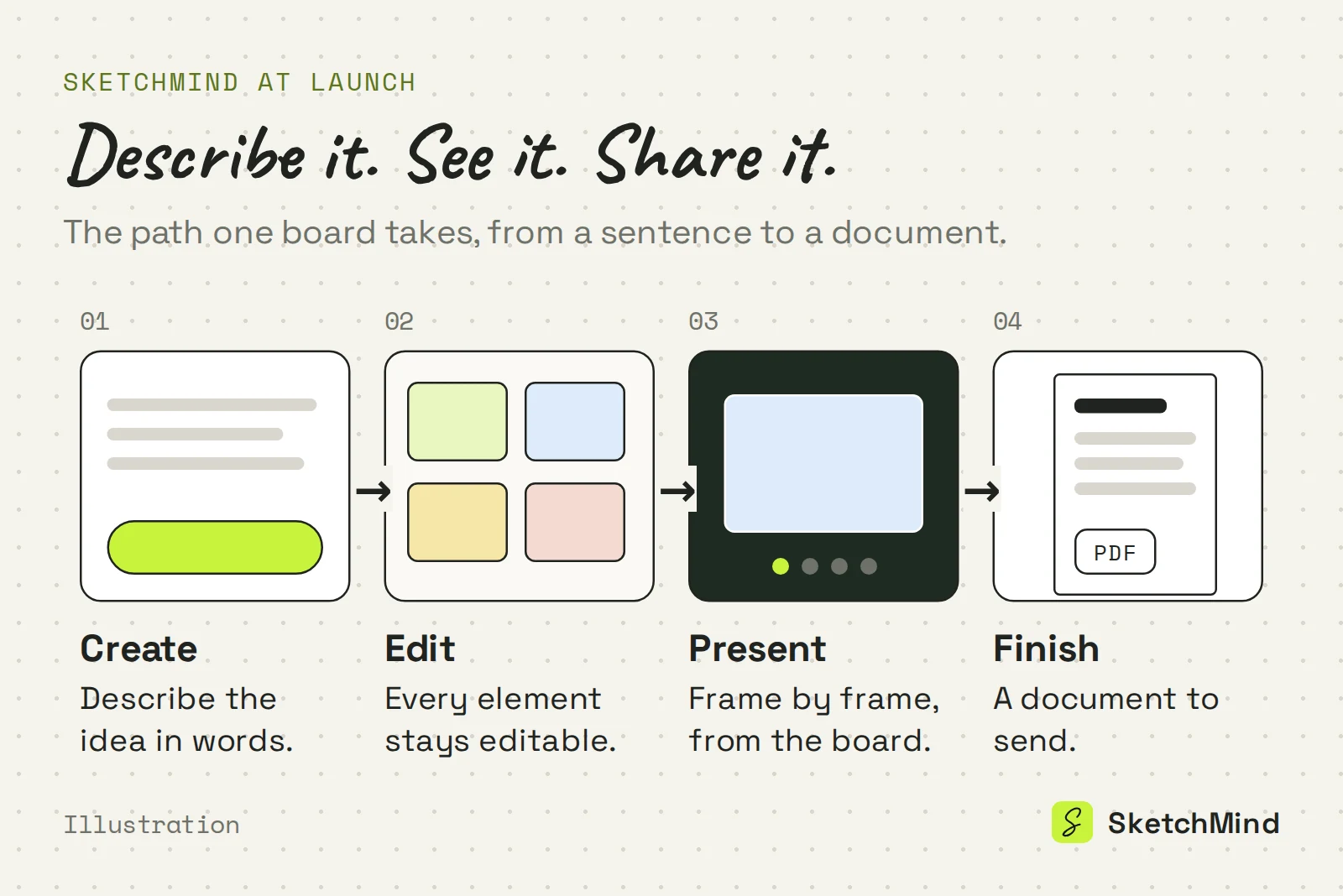
Around your boards sits a workspace: your boards and folders, the documents you made from them on the Documents page, plus Agenda, Goals, a Focus timer and Plans for the working day. It works on desktop and has dedicated layouts for your phone.
SketchMind is free to try, without a card. The Free plan gives you five boards with up to two editors on a board, unlimited viewers, and one-time trial credits for the AI: five AI boards, five frame rewrites and ten handwriting conversions. Editing and presenting your board are not metered.
SketchMind plans
| |Free|Pro|Pro Creator|
|Price|$0|$19 per month|$49 per month|
|Boards|5|Unlimited|Unlimited|
|Editors per board|2|3|Unlimited|
|AI boards|5 one-time|20 per month|Unlimited (fair use, about 200 per month)|
|Frame rewrites|5 one-time|100 per month|Unlimited|
|Handwriting to text|10 one-time|Unlimited|Unlimited|
|Documents (PDF)|None|3 per month|Unlimited|
Viewers are unlimited on every plan. Full details and annual pricing are in the pricing section of the homepage.
If something you need is missing, tell us via the contact page. What we build next has changed more than once because of a single good argument.
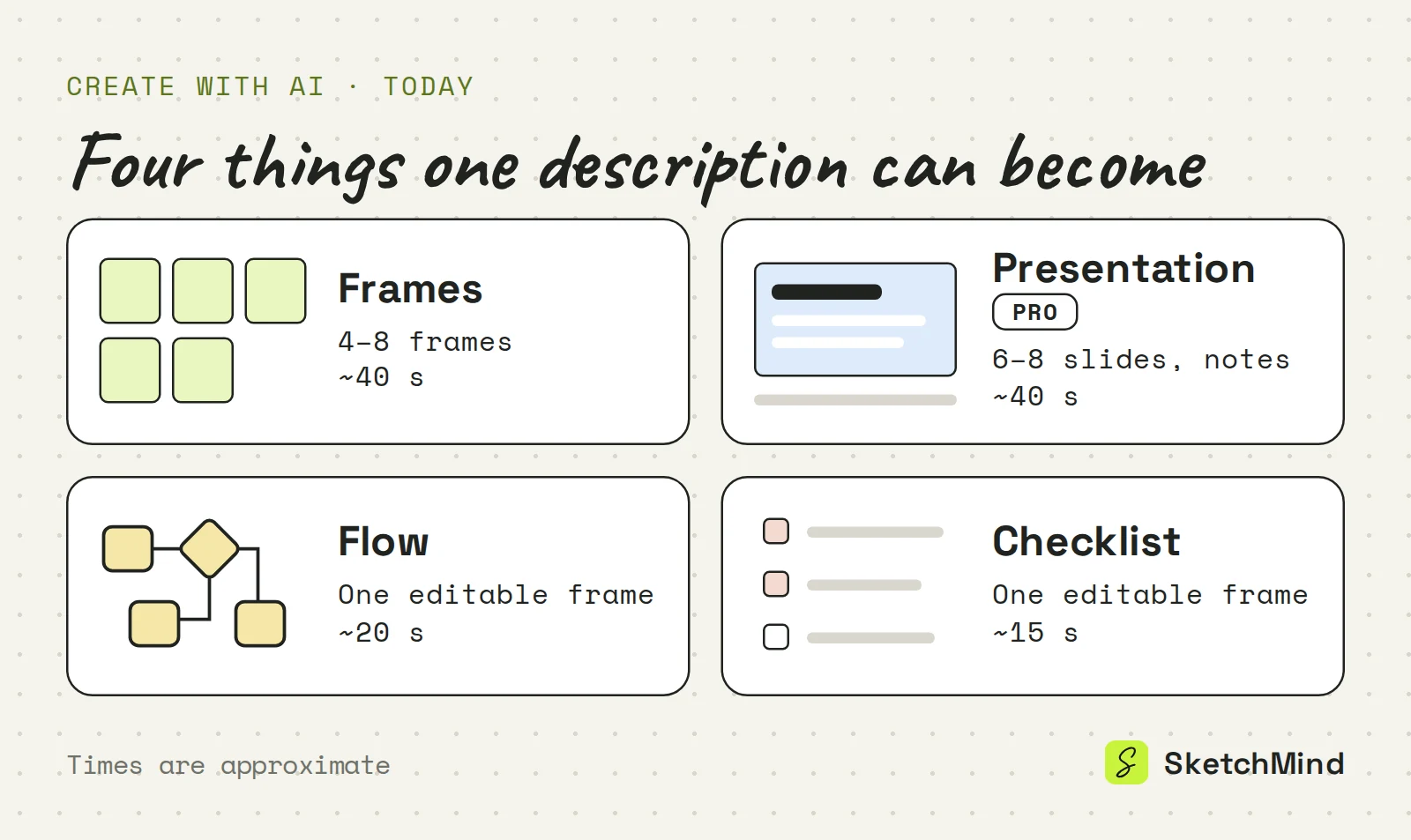
Last updated: September 25, 2026. Checked against the current SketchMind app.
SketchMind is an AI whiteboard. You describe what you are working on, it builds an editable board, and you can present that board or turn it into a document.
Yes, you can start free without a credit card. The Free plan includes 5 boards, 2 editors per board, unlimited viewers and one-time credits for 5 AI boards, 5 frame rewrites and 10 handwriting conversions.
Pro costs $19 a month or $190 a year. It includes unlimited boards, 20 AI boards and 100 rewrites per month, 3 PDF documents and 3 designed presentations per month.
No, there is no PPTX export. You present from the board or from a designed deck shared by link, and documents download as PDF.
Yes. The Team plan costs $39 per seat per month with a minimum of 3 seats, or $36 per seat from 10 seats, and includes shared team folders and an admin console.