
Brainstorming templates give structure, but empty boxes still stall a session. When templates help, where they fail, and why a first draft works better.
Search for a brainstorming template and you will find thousands: mind-map grids, idea matrices, crazy eights sheets, SWOT boxes. The promise is always that structure will bring the ideas. Sometimes it does. But anyone who has stared at a neatly structured template full of empty boxes knows what a stalled brainstorm is really missing: momentum.
Short answer: A brainstorming template is a ready-made layout (a grid, a matrix or a mind map) that shows where ideas should go during a session. Templates help when a session repeats and everyone needs the same format, but an empty template still leaves the group to produce every idea from zero. Starting from a template that already contains a first draft gives people something to react to, which is usually faster than filling blank boxes.
A template makes the shape of the exercise explicit. Everyone can see there are four quadrants to fill, so nobody debates the format halfway through. It also lowers the fear of the blank page a little, because a page with boxes on it feels less empty. For a recurring ritual, such as a weekly retro or a standard pros-and-cons pass, that predictability is worth having.
A template is format-first: it tells you where ideas go before you have any. Three problems follow:
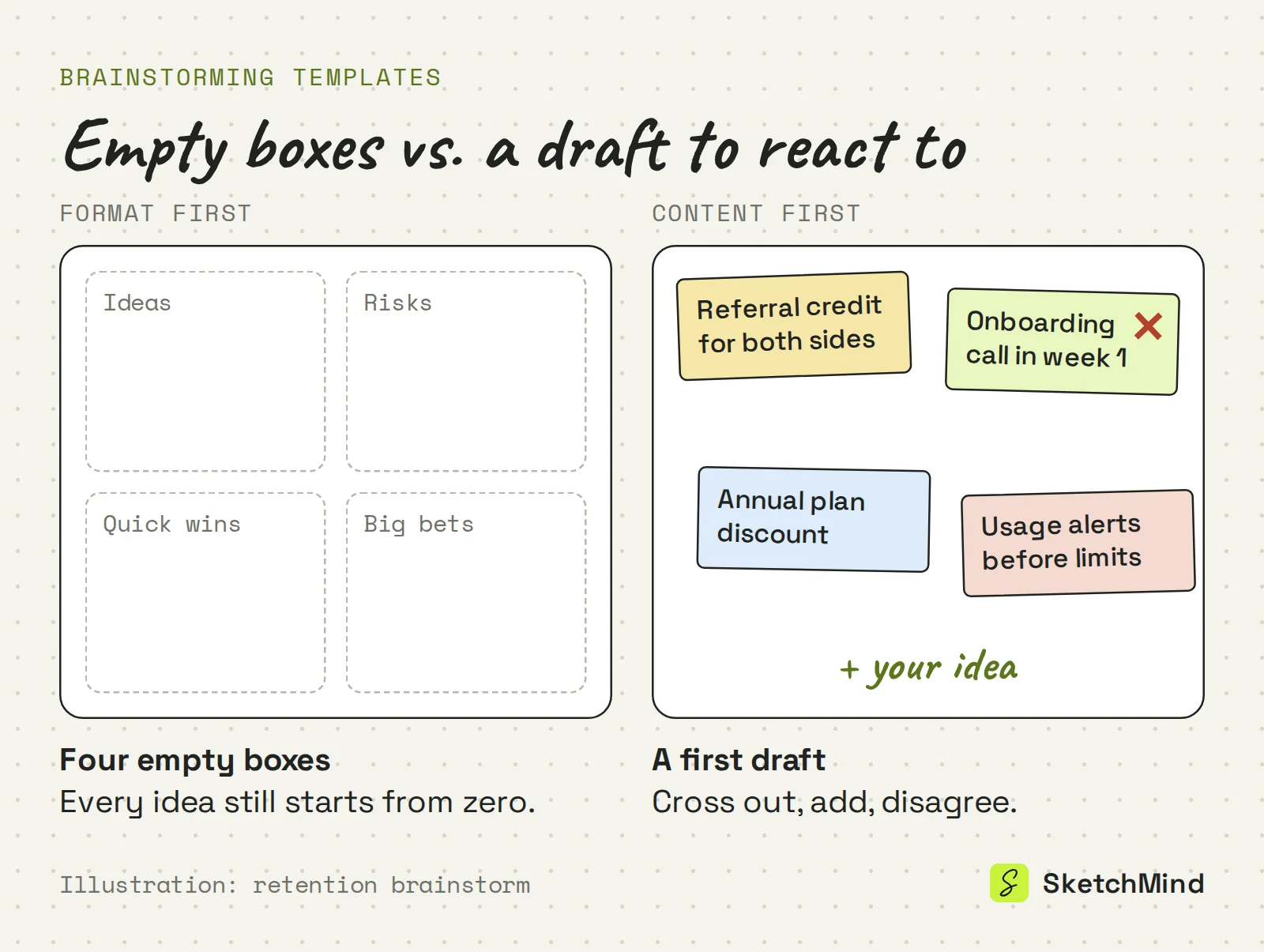
Start with content, not format. A first draft of the thinking gives the group something to react to, rearrange, cross out and build on. Reacting is easier than producing from nothing, and disagreeing with a draft generates ideas faster than staring at an empty quadrant. The draft does not need to be good. It needs to exist.
Three ways to start a brainstorm
|Starting point|What you begin with|Works best for|Watch out for|
|Empty template|A layout with blank boxes|Recurring rituals like retros|Every idea starts from zero|
|Written description|Your own notes on the problem|Problems only you know well|Takes time before the session|
|Template that drafts content|A board with a first round of ideas|Kick-offs and new topics|Treat the draft as input, not the answer|
The classics still matter, whatever canvas you use. Go for quantity before quality, and defer judgment while ideas are still arriving, because evaluating kills generating when both run at once. Let people think alone for five to ten minutes before the group discusses, so the loudest voice does not set the frame. When the group is stuck, try reverse brainstorming: "how would we make this problem worse?" These work on paper, on a wall of sticky notes or on a whiteboard app.

In SketchMind, an AI whiteboard, you can start from a template or from a description. The Templates page ("A useful place to start") has a "For:" filter for roles such as founder, consultant, teacher and marketing manager. Use template creates a board and runs the AI right away, so you open a first draft instead of empty boxes. Or describe the problem yourself in Create with AI, up to 3,000 characters, attach a PDF of background material and pick Frames, Flow or Checklist as the shape.
During the session everyone works on the same board, with live cursors, sticky notes and comments with @mentions. To converge, move and cut what is there, or select a frame and use Rewrite with "What should change?" for a different angle.
When the outcome needs to travel, Make a document turns the board into A4 pages: pick the sections, choose "Write document", then "Download PDF" or share a view-only link (documents are included from Pro, 3 per month). If the brainstorm ends in actions, Plans starts from a board and drafts the steps. The Free plan includes 5 AI boards as a one-time allowance. For what happens after the session, see from board to document, and for why it helps to see ideas laid out, visual thinking at work.
Last updated: September 25, 2026. Checked against the current SketchMind app.
A ready-made layout, such as a grid, a matrix or a mind map, that shows where ideas go during a session. It makes the format predictable but does not produce ideas itself.
No. For recurring rituals like retros they save time on format. They just leave the hard part, the first ideas, to the group.
SketchMind has a Templates page with a filter by role. "Use template" creates a board and runs the AI immediately, so you start from a first draft rather than empty boxes.
Yes. Several people can work on one board with live cursors, sticky notes and comments with @mentions. On the Free plan a board can have 2 editors and unlimited viewers.
Use "Make a document", pick the sections and choose "Write document". You get A4 pages you can download as a PDF or share by link; documents are available from the Pro plan.