What speaker notes are, what belongs in them, how long they should be, and how to write cues you'll actually use instead of a script you'll read.
Ask ten presenters what speaker notes are for and most will say "the stuff I'll say." That is a script, and scripts make presentations sound like essays read aloud. This guide covers what speaker notes are, what belongs in them, how to write them quickly, and where they fit if you build your talks on a whiteboard.
Short answer: Speaker notes are short, private cues attached to each slide that only the presenter sees, usually in presenter view. Good speaker notes hold one point per slide, the transition to the next slide, and one supporting fact or answer, not a word-for-word script. Write them after the structure is set, rehearse once out loud, and cut what you didn't say.
Speaker notes are short private notes attached to each slide or step of a presentation. The audience never sees them. In most presentation tools they sit in a panel under the slide and appear in presenter view while the room sees only the slide.
Their job is separation. A slide has one audience, the room, and should carry as little text as the point allows. Everything you are tempted to cram onto the slide belongs in the notes: the context, the transition, the number behind the number, the answer to the question someone will ask. When one surface tries to do both jobs, you end up reading your slides aloud, and every audience notices.
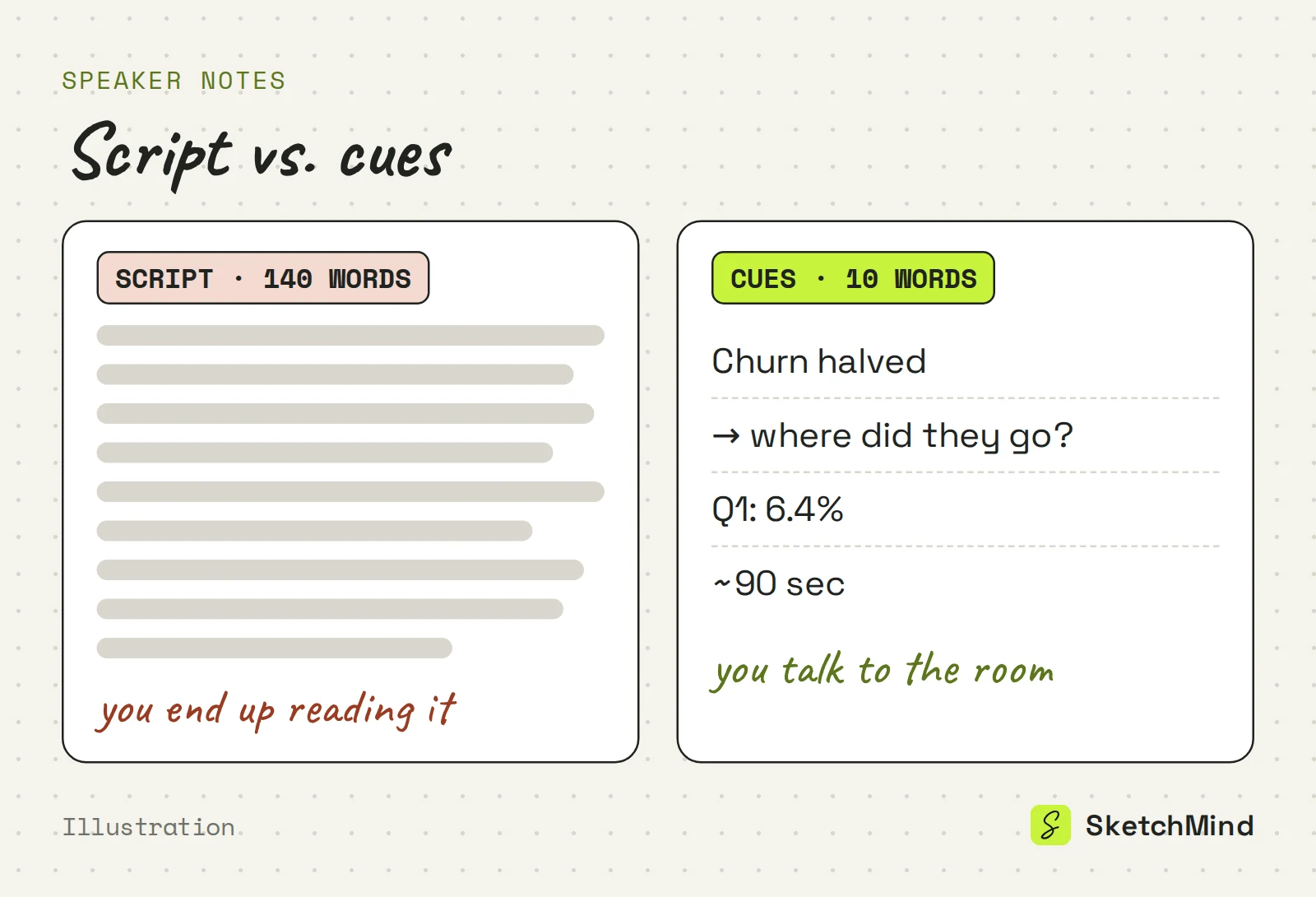
Put cues in your notes, not prose. If you write full sentences, you will read them, and if you read them, you stop talking to the room. A useful split:
What goes in speaker notes
|Put it in the notes|Leave it out|
|---|---|
|The one point this slide must land|A word-for-word script|
|The transition into the next slide|Anything already on the slide|
|The number behind the headline figure|Formatting or design reminders|
|A likely question and your answer|Jokes you haven't tested|
|A time check ("about 2 min here")|Backstory you'd skip anyway|
Notes are also the honest place for hedges: which figure is provisional, what you promised to follow up on, and what you will say if the demo fails.
Write speaker notes after the structure is set and before you polish the slides. Notes written too early turn into an outline. Notes written the night before turn into a script.
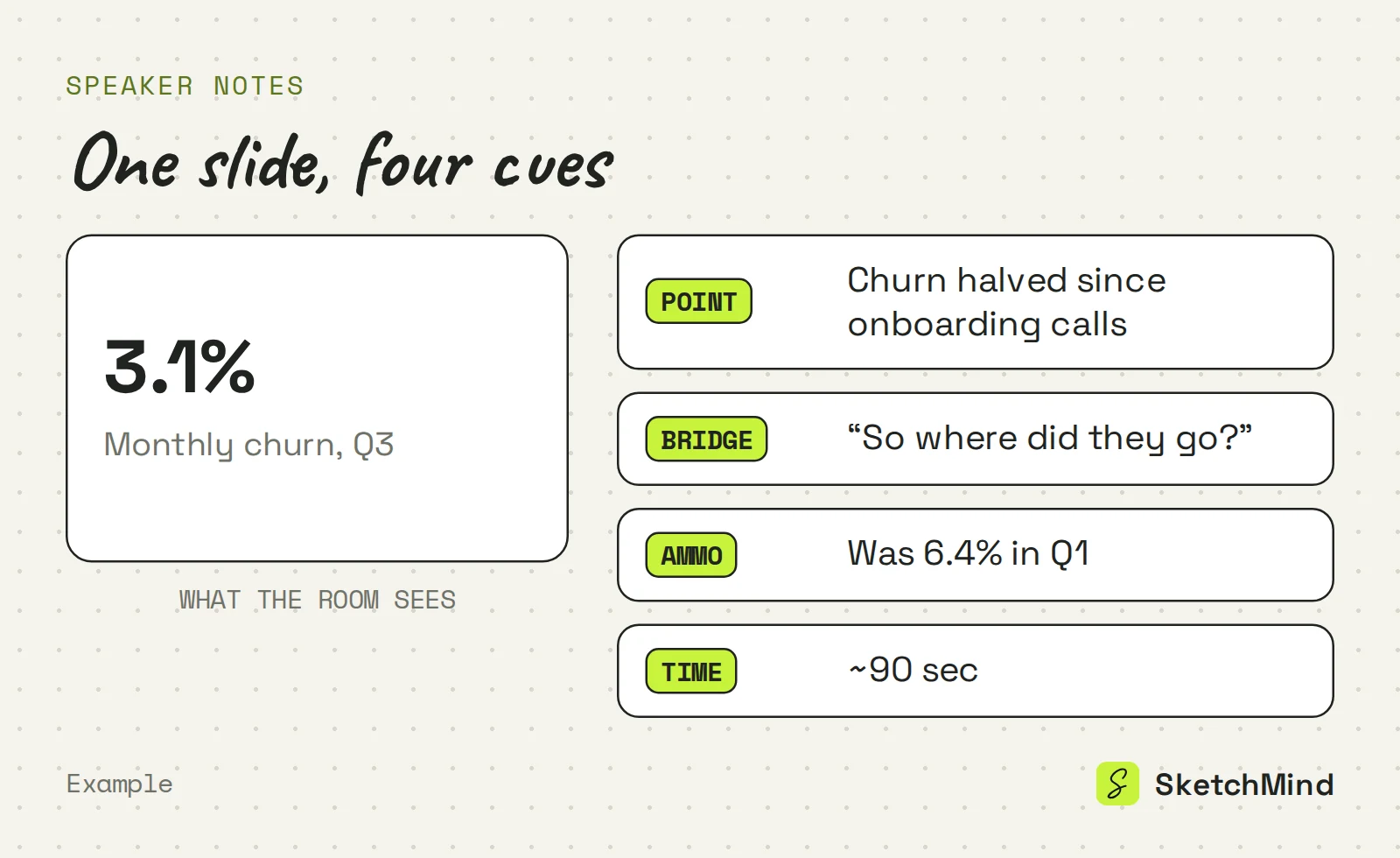
Keep speaker notes to about 3 to 5 short lines per slide, roughly 20 to 50 words. That is enough for a point, a bridge, one fact and a time check. If your notes for one slide run past 100 words, you have written a script, and the fix is to cut, not to read faster.
The one exception is a line you must say exactly: a legal statement, a quote, or a number that has to be precise. Write that one out in full and mark it.
Often not. When you present straight from a board, the structure is visible on the canvas and you talk to it rather than narrate bullet points. For working sessions and internal walkthroughs, that is usually enough, and a few cues on paper will do.
A board is a shared surface, though: everything on it is meant to be seen. For a rehearsed talk where you want a private cue layer, use a slide deck where each slide carries its own notes. The guide to presenting from a whiteboard without slides covers when the board alone is enough, and how to outline a presentation covers the structure the notes hang on.
In SketchMind, an AI whiteboard, speaker notes come with the designed deck, not with plain frames. Presenting a board with Present or "Present this slide" shows your frames with reveal steps, and the frames themselves carry no private notes.
Treat the generated notes as a first draft. Read them once against the method above and cut anything you would never say. Designed decks are a Pro feature: Pro includes 3 per month, and Pro Creator and Team have no monthly cap. The Free plan does not include designed decks, but it does include 5 AI boards (one-time) that you can present from the board with reveal steps.
Last updated: September 25, 2026. Checked against the current SketchMind app.
Speaker notes are short private notes attached to each slide. The audience sees the slide, and only the presenter sees the notes, usually in presenter view. They hold the point to land, the transition and supporting detail that would clutter the slide.
Mostly no. Full sentences get read aloud, which turns a talk into a reading. Write cues, and make one exception for a line you must say exactly, such as a legal statement or a quote.
About 3 to 5 short lines, or 20 to 50 words, is enough for a point, a bridge, one fact and a time check. Notes past 100 words per slide usually mean you have written a script.
Yes, with the designed deck. Choosing Presentation in Create with AI, or using "Turn into a presentation" on a frames section, produces 6 to 8 designed slides with speaker notes; this is a Pro feature with 3 decks per month on Pro.
No. When you present frames straight from the board, there is no private notes layer. Speaker notes, the Notes toggle and Rehearse mode are part of the designed deck player.
Yes. The deck player has a Rehearse mode that shows the target time per slide, plus Auto-play, which runs the deck with its pacing model.